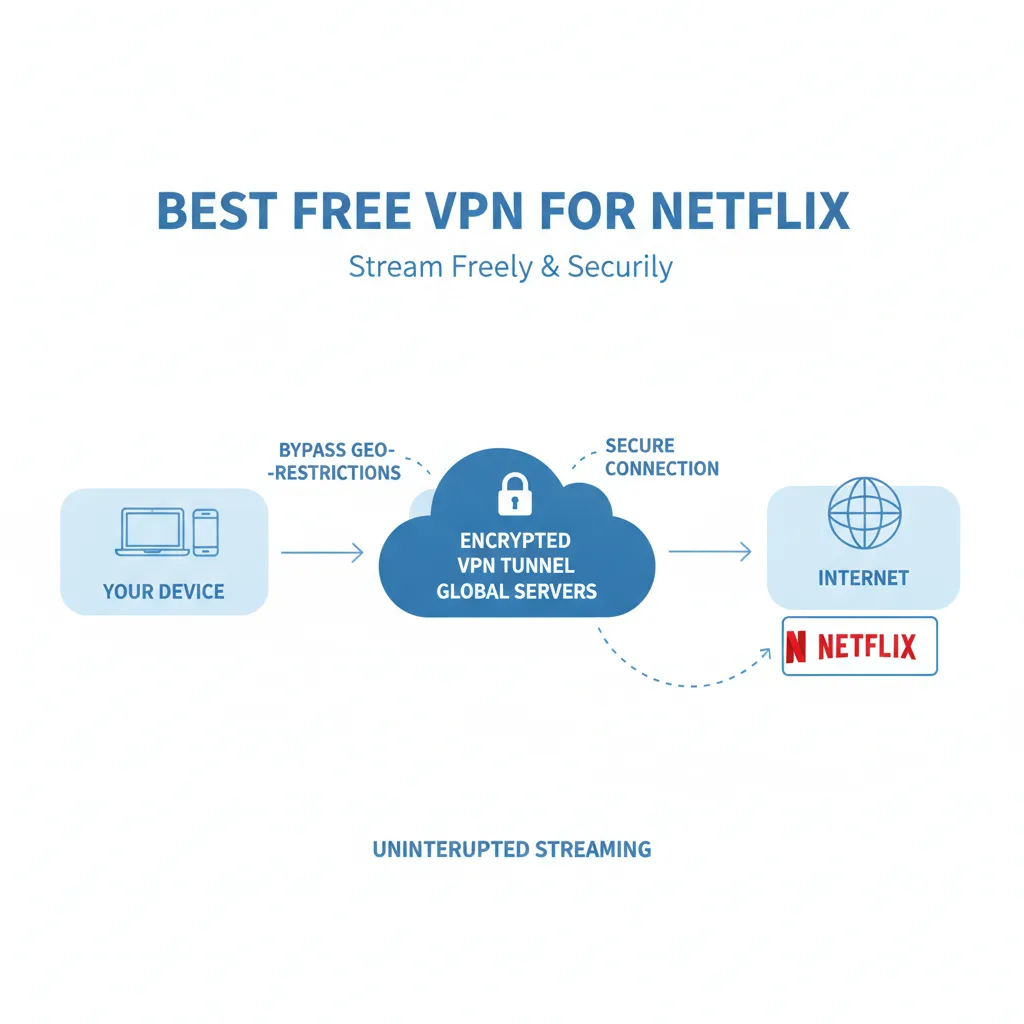
Finding a best free VPN for Netflix that actually works in 2026 feels like searching for a needle in a haystack. Netflix's proxy detection technology has grown increasingly sophisticated, blocking most free VPN services within minutes of connection. While a handful of legitimate free options can still bypass these restrictions, they come with significant trade-offs: strict data caps, limited server access, and inconsistent reliability.
Finding a best free VPN for Netflix that actually works in 2026 feels like searching for a needle in a haystack. Netflix's proxy detection technology has grown increasingly sophisticated, blocking most free VPN services within minutes of connection. While a handful of legitimate free options can still bypass these restrictions, they come with significant trade-offs: strict data caps, limited server access, and inconsistent reliability.
Key takeaways:
- Only 3–4 reputable free VPNs currently work with Netflix (Proton VPN Free, PrivadoVPN Free, and sometimes Windscribe)
- Data caps severely limit streaming: 10GB typically equals 8–10 hours of standard definition viewing
- Free VPN speeds often cause buffering and force lower video quality
- Most "unlimited" free VPNs are unsafe, selling your data or injecting ads
- For consistent 4K streaming without limits, affordable paid options like Fubble VPN offer better value
This guide provides honest, tested information about which free VPNs work with Netflix, what limitations you'll face, and when upgrading makes sense. For more streaming guides, explore our blog.
Can You Really Use a Free VPN for Netflix?
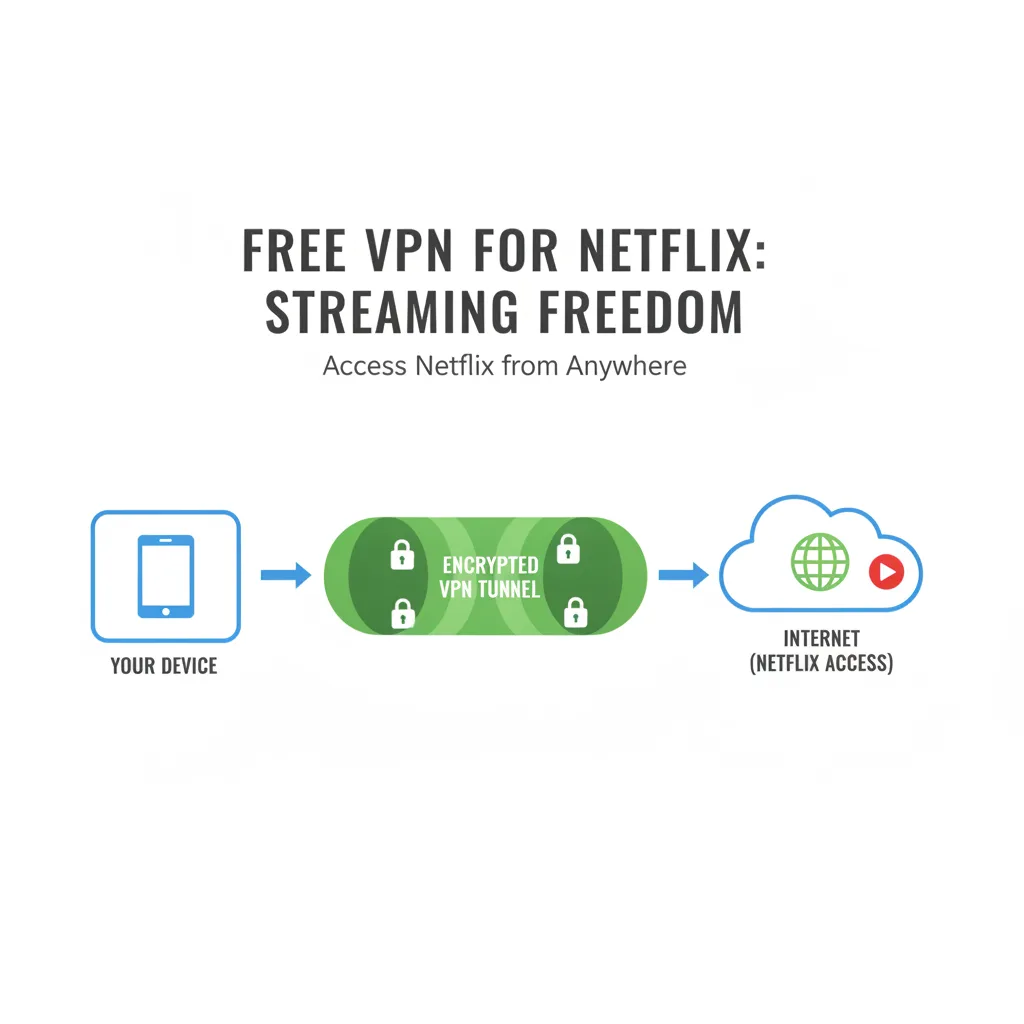
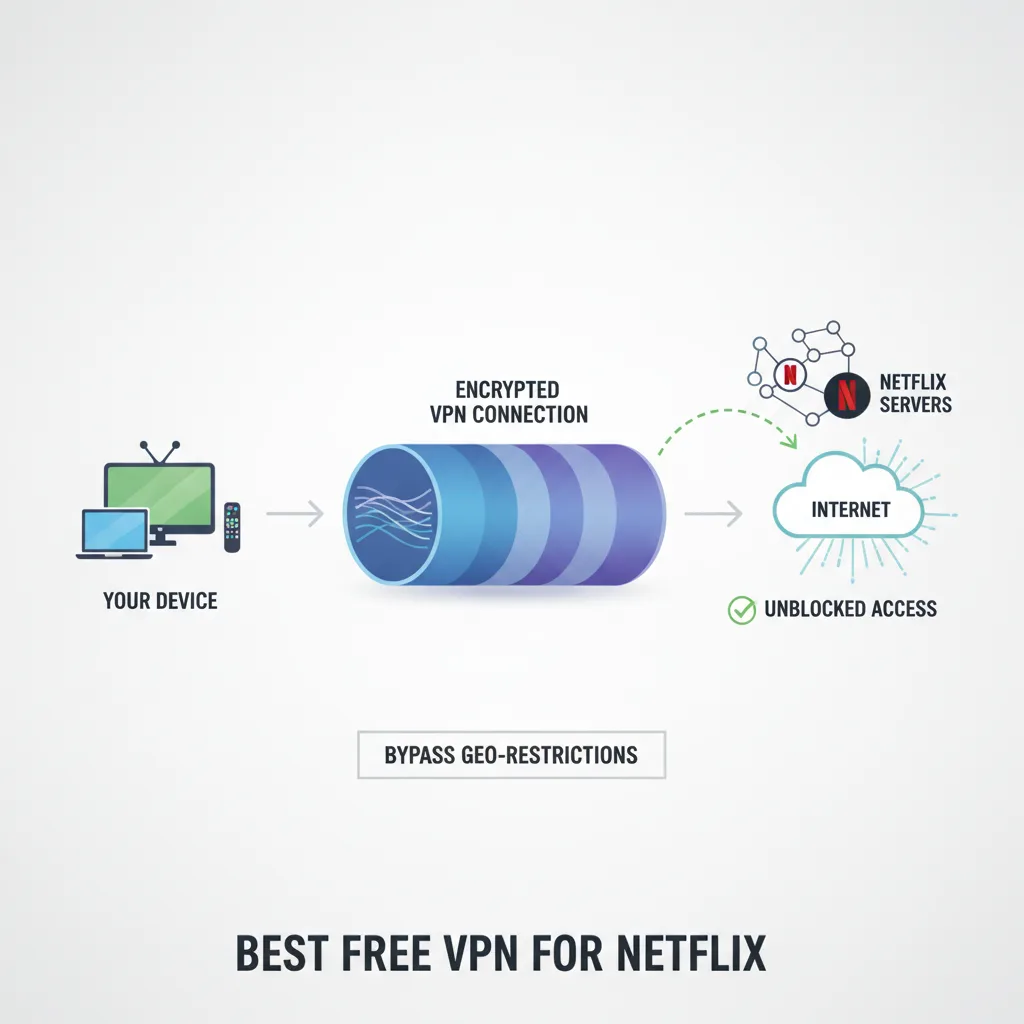
Yes, but with major caveats. Netflix actively detects and blocks VPN connections to enforce regional licensing agreements. When you connect through a VPN, Netflix sees the VPN server's IP address instead of yours. If that IP is flagged in their database, you'll encounter the dreaded proxy error: *"You seem to be using an unblocker or proxy."*
Why Netflix Blocks VPNs
Streaming libraries vary by country due to content licensing deals. A show available on US Netflix might be licensed to a different platform in the UK. Netflix is contractually obligated to prevent viewers from accessing content outside their region.
The platform uses several detection methods:
- IP blacklisting: Flagging known VPN server addresses
- User clustering: Detecting when hundreds of connections originate from the same IP
- DNS leak monitoring: Checking if your DNS requests match your apparent location
- Port blocking: Targeting common VPN protocols and ports
Why Most Free VPNs Fail
Free VPN services struggle against Netflix for three reasons:
Limited IP addresses: Free providers have fewer servers and IP addresses. Once Netflix flags these shared IPs, every user on that server loses access. Paid VPNs rotate IPs and maintain larger pools.
Overcrowded servers: Thousands of users connecting through the same free servers make detection easier. The more users share an IP, the faster Netflix spots the pattern.
No investment in evasion: Bypassing Netflix requires constant technical updates and fresh IP addresses. Free services lack the resources to play this cat-and-mouse game effectively. Learn more about how VPN works step by step to understand these technical challenges.
The Data Cap Reality Check
Even when free VPNs work, monthly data allowances restrict actual viewing time:
- 10GB cap = approximately 10 hours of SD (480p) or 3 hours of HD (1080p)
- 15GB cap = roughly 15 hours SD or 4.5 hours HD
- 2GB daily cap = about 2 hours SD per day
One movie in HD can consume 3–4GB. A single season of a series will exhaust most free tier limits. For more on these limitations, check our free vs paid VPN comparison.
Top Free VPNs That Currently Work With Netflix (2026)
Based on testing in early 2026, these free VPNs maintain varying degrees of Netflix compatibility. Success rates fluctuate as Netflix updates its detection systems.
1. Proton VPN Free – Best for Security
Data limit: Unlimited Netflix regions: Limited (primarily US, with inconsistent access) Speed: Medium (slower than premium servers) Safety rating: ★★★★★
Proton VPN Free stands out for offering unlimited bandwidth—rare among free services. Operated by the team behind ProtonMail, it maintains a strict no-logs policy and transparent privacy practices.
Pros:
- No data caps for unlimited viewing time
- Strong encryption (AES-256)
- Based in Switzerland with robust privacy laws
- Open-source apps for transparency
Cons:
- Only 3 server locations on free tier (US, Netherlands, Japan)
- Slower speeds due to server congestion
- Netflix access not guaranteed; primarily works with US library
- Cannot choose specific servers (auto-assigned)
Real-world scenario: Sarah, a college student, used Proton VPN Free to watch two seasons of a Netflix series over three weeks. Despite occasional buffering during evening hours, the unlimited data allowed her to complete viewing without hitting caps—something impossible with other free options.
Verdict: Best choice if security matters more than speed. The unlimited data makes it viable for occasional Netflix use, despite slower buffering times.
2. PrivadoVPN Free – Works With US Netflix (10GB Limit)
Data limit: 10GB per month Netflix regions: US (most reliable), UK (occasional) Speed: Medium-Fast Safety rating: ★★★★☆
PrivadoVPN Free offers the most consistent US Netflix access among free options as of early 2026. The Swiss-based provider allows server selection, unlike Proton's free tier.
Pros:
- Reliably bypasses US Netflix geoblocks
- Can choose from 12 free server locations
- Zero-log policy verified in privacy policy
- WireGuard protocol support for better speeds
Cons:
- 10GB monthly cap (approximately 10 hours SD streaming)
- Limited to one simultaneous connection
- Speed throttling during peak hours
- No customer support on free tier
Real-world scenario: Tom travels internationally for work and needed to catch up on his favorite US Netflix show during a two-week trip. PrivadoVPN's 10GB allowance gave him enough data for eight episodes in standard definition, perfectly covering his travel period without exceeding the cap.
Verdict: Top pick for accessing US Netflix if you need only 8–10 hours of monthly viewing. Once the 10GB runs out, you'll need to wait until next month or upgrade. For more about VPN protocols, see our guide on VPN protocols.
3. Windscribe Free – Hit or Miss, But Worth Trying
Data limit: 10GB per month (15GB with email confirmation) Netflix regions: Variable; US and UK occasionally work Speed: Medium Safety rating: ★★★★☆
Windscribe's free tier performs inconsistently with Netflix. Some servers work temporarily, then get blocked as Netflix updates its detection.
Pros:
- 10 free server locations across North America and Europe
- R.O.B.E.R.T. ad/tracker blocking feature
- Browser extension available
- 15GB data if you verify email
Cons:
- Unreliable Netflix access (fluctuates weekly)
- Speeds vary dramatically by server
- Privacy policy less transparent than Proton
- Free tier lacks split-tunneling
Real-world scenario: Maria used Windscribe as a backup when her primary free VPN stopped working with Netflix. By testing different servers over a weekend, she found one that maintained access for three days before Netflix blocked it again. The extra 5GB from email verification gave her just enough data to finish her series.
Verdict: Worth testing if Proton and Privado fail, but don't rely on it for consistent access. Better suited as a backup option.
4. Urban VPN – Use With Caution
Data limit: "Unlimited" Netflix regions: Claims global access Speed: Slow Safety rating: ★★☆☆☆
Urban VPN advertises unlimited free access, which immediately raises red flags. Free services must monetize somehow—and with Urban VPN, you become the product.
Pros:
- No bandwidth caps advertised
- Many server locations available
- Simple interface
Cons:
- Uses peer-to-peer network (your device becomes an exit node for others)
- Vague privacy policy with data-sharing concerns
- Slow, unreliable speeds
- Intrusive ads in apps
- Netflix blocks most Urban VPN IPs quickly
Verdict: Not recommended. The "unlimited" model relies on routing other users' traffic through your connection, creating security and legal risks. If you need unlimited streaming, Fubble VPN offers affordable plans without compromising your privacy.
Free VPN Comparison for Netflix
| Provider | Data Limit | Netflix Access | Speed | Privacy | Best For |
|---|---|---|---|---|---|
| Proton VPN Free | Unlimited | US (inconsistent) | Medium | Excellent | Security-focused users |
| PrivadoVPN Free | 10GB/month | US (reliable) | Medium-Fast | Very Good | Limited monthly viewing |
| Windscribe Free | 10–15GB/month | Variable | Medium | Good | Backup option |
| Urban VPN | "Unlimited" | Rarely works | Slow | Poor | Not recommended |
| Fubble VPN | Unlimited | All regions | Fast | Excellent | Unlimited streaming |
How to Choose a Safe Free VPN for Netflix
Not all free VPNs are created equal. Some genuinely provide limited service while respecting your privacy; others harvest your data, inject ads, or worse. Here's how to separate legitimate options from dangerous ones.
Red Flags: Avoid Free VPNs With These Traits
1. Vague or missing privacy policy If you can't find a clear explanation of what data they collect and how they use it, assume the worst. Reputable services publish detailed privacy policies.
2. Located in privacy-hostile jurisdictions VPNs based in countries with mandatory data retention laws or invasive surveillance (China, Russia, some Five Eyes nations) may be compelled to log your activity.
3. Too good to be true claims "Unlimited free VPN for all streaming" doesn't exist without a catch. The service either logs and sells your data, serves excessive ads, or uses you as a bandwidth node.
4. Malware detection Check app store reviews and independent security reports. Several free VPNs have been caught bundling malware, spyware, or cryptocurrency miners.
5. Excessive permissions Mobile VPN apps requesting access to contacts, photos, or location beyond what's necessary for VPN functionality are likely harvesting data.
Green Flags: Signs of a Trustworthy Free VPN
Transparent business model: Premium tier subsidizes free users (freemium model used by Proton, Privado, Windscribe).
Established reputation: Company has been operating for years with consistent privacy practices and no major scandals.
Regular security audits: Independent third-party audits verify no-logs claims and identify vulnerabilities.
Clear data limits: Honest about bandwidth caps rather than promising unlimited everything.
Minimal data collection: Only collects information essential for service operation (email for account creation, basic connection logs for troubleshooting).
Why Free Isn't Always "Free"
The privacy saying applies: *if you're not paying for the product, you are the product.* Free VPN providers monetize in several ways:
- Data harvesting: Tracking browsing habits and selling aggregated data to advertisers
- Ad injection: Inserting ads into web pages you visit
- Affiliate programs: Redirecting your shopping traffic through affiliate links
- Freemium upsells: Offering limited free service to convert users to paid plans
The first three are privacy violations. Only the fourth model respects user privacy—and it's what legitimate providers like Proton, Privado, and Fubble VPN use. For more on VPN safety, read our guide is a free VPN safe?
Limitations of Free VPNs for Netflix Streaming
Understanding these constraints helps set realistic expectations before you spend hours troubleshooting buffering issues or running out of data mid-movie.
Data Caps Restrict Viewing Time
Monthly bandwidth limits are the primary barrier:
Standard definition (480p): ~1GB per hour High definition (720p): ~2GB per hour Full HD (1080p): ~3GB per hour 4K Ultra HD: ~7GB per hour
With a typical 10GB free tier allowance, you'll watch:
- 10 hours at 480p quality
- 5 hours at 720p
- 3 hours at 1080p
- 90 minutes at 4K (if the VPN even supports 4K speeds)
One binge-watching weekend exhausts the entire month's allocation.
Speed Throttling Causes Buffering
Free VPN servers are overcrowded. Providers prioritize bandwidth for paying customers, leaving free users with:
- Reduced speeds during peak hours (evenings and weekends when most people stream)
- Connection drops requiring reconnection and lost progress
- Automatic quality reduction as Netflix detects slow speeds and downgrades to SD
Buffering interruptions every few minutes ruin the viewing experience. For travelers facing these issues abroad, our VPN for travel guide offers solutions.
Limited Server Locations Mean Geo-Restrictions Remain
Free tiers typically offer 3–10 server countries versus 60+ on paid plans. If you want to access:
- Japanese anime only available on Netflix Japan
- British shows exclusive to UK Netflix
- Regional documentaries from specific countries
...you'll likely find free VPNs don't offer servers in those locations. Most free options focus on US, UK, and a few European countries.
Detection Rates Increase Over Time
Netflix's algorithms learn and adapt. A free VPN server that works today might be blocked tomorrow:
- IP recycling is slower: Free services can't afford to constantly rotate IP addresses
- User concentration: More people sharing fewer IPs accelerates detection
- Lower priority: Free VPN providers deprioritize unblocking efforts since users aren't paying
What works in January may fail by March. Premium services invest in staying ahead; free options fall behind.
When to Upgrade to a Paid VPN (Like Fubble VPN)
Free VPNs serve occasional users well, but several scenarios justify upgrading to unlimited service.
You're a Regular Streamer
If you watch Netflix more than 2–3 times per week, free tier data caps become frustrating. Constantly monitoring remaining bandwidth or waiting for monthly resets interrupts your routine.
Fubble VPN solution: Unlimited bandwidth means never tracking data consumption. Stream 4K content for hours without throttling or caps. Our best VPN for streaming guide explains the full benefits.
You Need Access to Multiple Regions
International travelers, expats, and language learners need VPN servers in many countries. Free tiers rarely offer beyond 5–10 locations.
Fubble VPN solution: Access to 50+ countries lets you switch between US, UK, Japanese, Korean, and European Netflix libraries freely. Perfect for discovering content not available in your region.
You Want 4K Quality Without Buffering
Streaming Ultra HD requires sustained high speeds—typically 25 Mbps or more. Free VPN servers struggle to maintain these speeds, forcing Netflix to downgrade quality.
Fubble VPN solution: WireGuard and VLESS protocols optimize for streaming speeds. Dedicated servers handle 4K without buffering, even during peak hours.
Privacy and Security Matter
If you use VPNs for more than entertainment—protecting financial transactions, securing work-from-home connections, avoiding surveillance—free options pose risks.
Fubble VPN solution: Independently audited no-logs policy, strong encryption, and kill-switch protection ensure your data stays private. Learn more about VPN for remote work security requirements.
The Cost Comparison
Netflix Standard subscription: ~$15.49/month Free VPN with 10GB limit: 8–10 hours viewing/month Fubble VPN: Less than a coffee per month for unlimited streaming
When you're already paying for Netflix, adding a reliable VPN for less than the cost of one streaming service delivers significantly more value than juggling free tier limitations.
Ready for buffer-free Netflix access in 4K? Explore Fubble VPN's plans with a 30-day trial.
Troubleshooting: What to Do When Netflix Detects Your Free VPN
Even the best free VPNs occasionally trigger Netflix's proxy error. These steps often restore access:
Clear Browser Cache and Cookies
Netflix stores location data in cookies. Your browser may remember your real location even after connecting to the VPN.
Steps:
- Close Netflix completely
- Clear browser cache and cookies (or use incognito/private mode)
- Reconnect to VPN
- Reopen Netflix
Switch to a Different Server
If your current VPN server is blocked, try another in the same country. Free VPNs with multiple US servers (like PrivadoVPN) give you options.
Pro tip: Some free VPNs label servers as "Streaming-optimized." Prioritize these for Netflix access.
Change VPN Protocols
Different protocols may bypass detection more effectively:
- WireGuard: Faster, harder to detect (if your free VPN offers it)
- OpenVPN: More established, better for bypassing deep packet inspection
- IKEv2: Good for mobile connections
Switch protocols in your VPN app settings and reconnect.
Check for DNS and IP Leaks
Your real IP or DNS server leaking reveals your actual location to Netflix, triggering blocks even when the VPN is connected.
Test for leaks: Use our free IP and leak check tools to verify your VPN is working properly. If you see your real IP or ISP's DNS servers, your VPN has a leak.
Fix leaks:
- Enable DNS leak protection in VPN settings
- Use VPN's proprietary DNS servers
- Enable IPv6 leak protection
- Consider upgrading to a VPN with built-in leak prevention
Try a Different Device
Netflix may cache location data on specific devices. If troubleshooting fails on your laptop, try:
- Smartphone or tablet with VPN app installed
- Smart TV with VPN router configuration
- Browser vs. native Netflix app
Mobile apps sometimes work when desktop browsers fail, and vice versa. For device-specific guidance, see our VPN for iPhone and VPN for Android guides.
Wait and Retry
Netflix's detection isn't instant or permanent for all servers. A blocked IP today might work again in a few days if Netflix's algorithms haven't permanently flagged it.
Consider Upgrading
If you've exhausted troubleshooting and free options consistently fail, it may be time to upgrade to a paid service that prioritizes Netflix unblocking with fresh IP rotation and streaming-optimized servers.
FAQ: Free VPN for Netflix
Is it legal to use a free VPN for Netflix?
Yes, using a VPN is legal in most countries, including the US, UK, Canada, and EU nations. However, using a VPN to access geo-restricted content may violate Netflix's Terms of Service. Netflix can terminate accounts that breach their ToS, though in practice they typically just block VPN connections rather than banning users.
*Disclaimer: This information is for educational purposes only and does not constitute legal advice. Fubble VPN does not encourage violating platform policies. For more legal context, read is using a VPN legal?*
Will Netflix ban my account for using a VPN?
Account bans are extremely rare. Netflix's primary enforcement mechanism is blocking VPN IP addresses, not penalizing user accounts. When Netflix detects a VPN, you'll see a proxy error message but can still access your local library by disconnecting the VPN.
That said, Netflix's Terms of Service technically prohibit circumventing geographic restrictions. While enforcement focuses on technical blocking rather than account suspension, continued violations could theoretically result in action.
Why do some free VPNs work and others don't?
Netflix detection depends on several factors:
- IP reputation: Fresh, unshared IP addresses evade detection longer. Free VPNs use heavily-shared IPs that get flagged quickly.
- Investment in evasion: Paid VPNs constantly acquire new IP ranges and employ obfuscation techniques. Free services lack resources for this arms race.
- User volume: Fewer users per server means harder detection. Free VPN servers serve thousands simultaneously, creating obvious patterns.
- Technical sophistication: Advanced methods like residential IPs, server rotation, and protocol obfuscation require funding that free models don't support.
Proton and PrivadoVPN work better than random free VPNs because they're backed by profitable premium tiers funding infrastructure and development.
How much data do I need to watch Netflix with a free VPN?
Data requirements per hour of streaming:
- Standard Definition (SD, 480p): ~0.7–1GB per hour
- High Definition (HD, 720p): ~2–3GB per hour
- Full HD (1080p): ~3–4GB per hour
- 4K Ultra HD: ~7GB per hour
For typical free VPN limits:
- 10GB allowance = 10 hours SD, 5 hours HD, or 3 hours Full HD
- 15GB allowance = 15 hours SD, 7 hours HD, or 5 hours Full HD
Binge-watching a single season (8–10 episodes at ~45 min each) in HD consumes approximately 12–18GB, exceeding most free tier limits.
Are free VPNs safe for streaming?
It depends on which free VPN you choose. Reputable providers like Proton VPN Free, PrivadoVPN Free, and Windscribe Free are generally safe—they use strong encryption, maintain no-logs policies, and have transparent privacy practices.
Dangerous free VPNs to avoid:
- Services with vague or missing privacy policies
- Apps caught injecting ads or malware
- Providers selling user data to third parties
- Peer-to-peer models that route others' traffic through your device
Red flags: "Unlimited free streaming VPN" promises, apps with excessive mobile permissions, services based in surveillance-heavy jurisdictions, and providers with no verifiable business model.
For safe streaming without compromising privacy, stick to reputable freemium providers or invest in a trusted paid service like Fubble VPN. Learn more about VPN safety in our comprehensive guide on what is the downside of a VPN.
Conclusion
The best free VPN for Netflix in 2026 is realistically a temporary solution rather than a long-term streaming strategy. Proton VPN Free offers unlimited data with inconsistent access, while PrivadoVPN Free provides the most reliable US Netflix unblocking within a 10GB monthly cap. Windscribe Free serves as a decent backup option when primary choices fail.
Free VPNs help occasional viewers access content while traveling or sample services before committing to paid plans. However, strict data limits, buffering issues, and increasing detection rates make them impractical for regular streaming habits.
For consistent, unlimited access to Netflix libraries worldwide in 4K quality without throttling or caps, Fubble VPN delivers affordable premium service that respects your privacy and keeps you streaming uninterrupted. Try our 30-day trial and experience the difference between struggling with free tier limitations and enjoying truly unlimited streaming.
*Using a VPN to access geo-restricted content may violate Netflix's Terms of Service. This guide is for educational purposes only. Fubble VPN does not encourage violating platform policies.*